Invitations asunforgettableas the day itself.
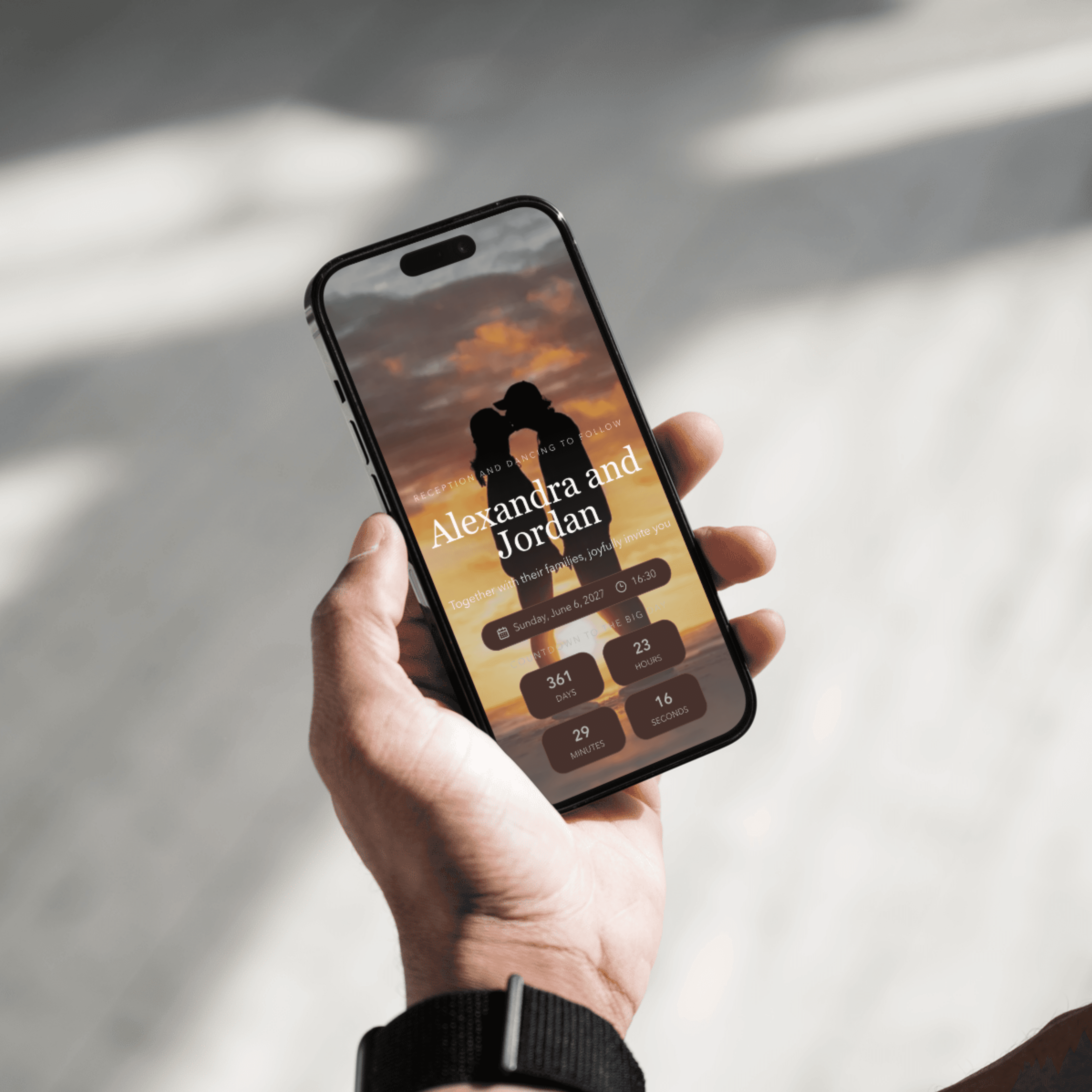
Create a digital invitation as beautiful as the moment you're celebrating — with RSVPs, guest lists, seating, and everything in between, in one elegant link.
Free to start — no credit card needed

RSVP confirmed
Olivia & James
142 guests
96% responded
How it works
Three simple steps to beautiful invitations
Choose a design
Pick from our curated collection of beautiful templates and customise every detail.
Add your details
Fill in your wedding details, guest list, menu, and more with our intuitive editor.
Share & celebrate
Send personalised links to your guests and watch the RSVPs roll in.
Core capabilities
Everything you need, from first draft to final RSVP.
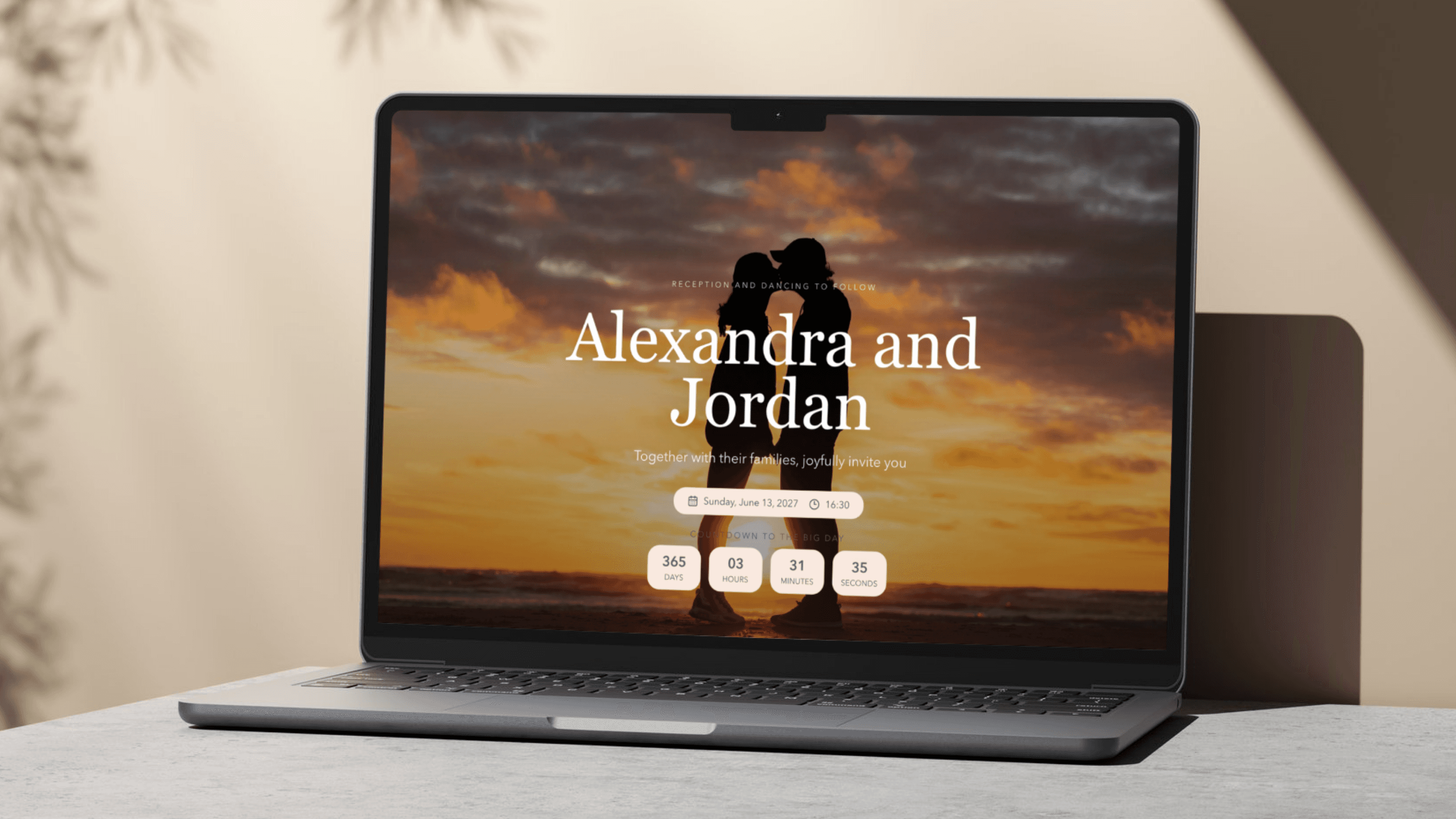
A design studio made for your story
Compose a refined invitation page with a rich text editor, themed templates, custom typography, and atmospheric background music — no design skills needed.
- No design skills required
- Custom themes & typography
- Venue & couple memories galleries
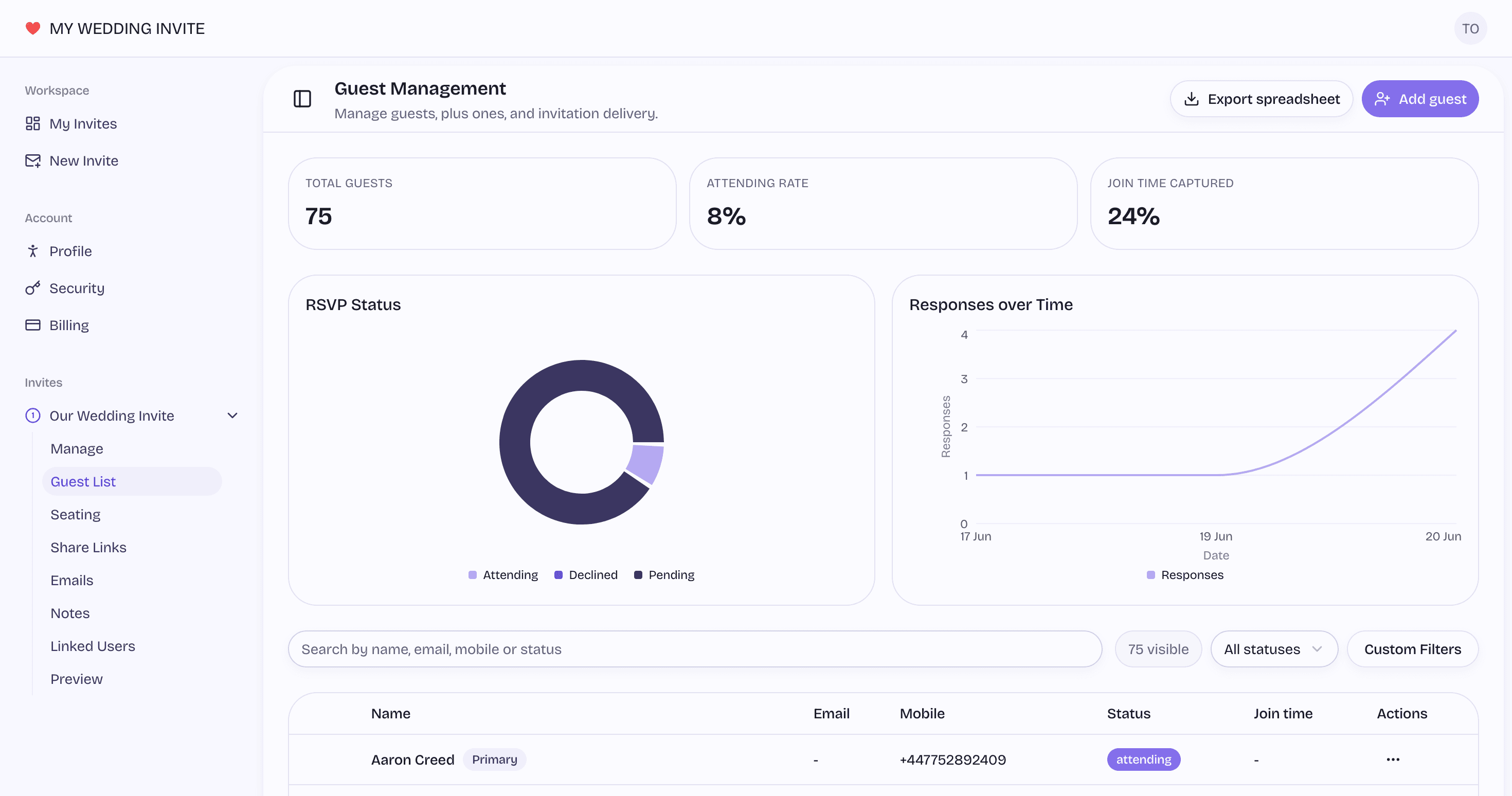
Every guest, plus-one and reply in one place
Keep your list organised with status tracking, meal preferences, custom RSVP fields, and seamless Excel import/export.
- Primary guests & plus-ones
- RSVP by email or phone
- One-click Excel export
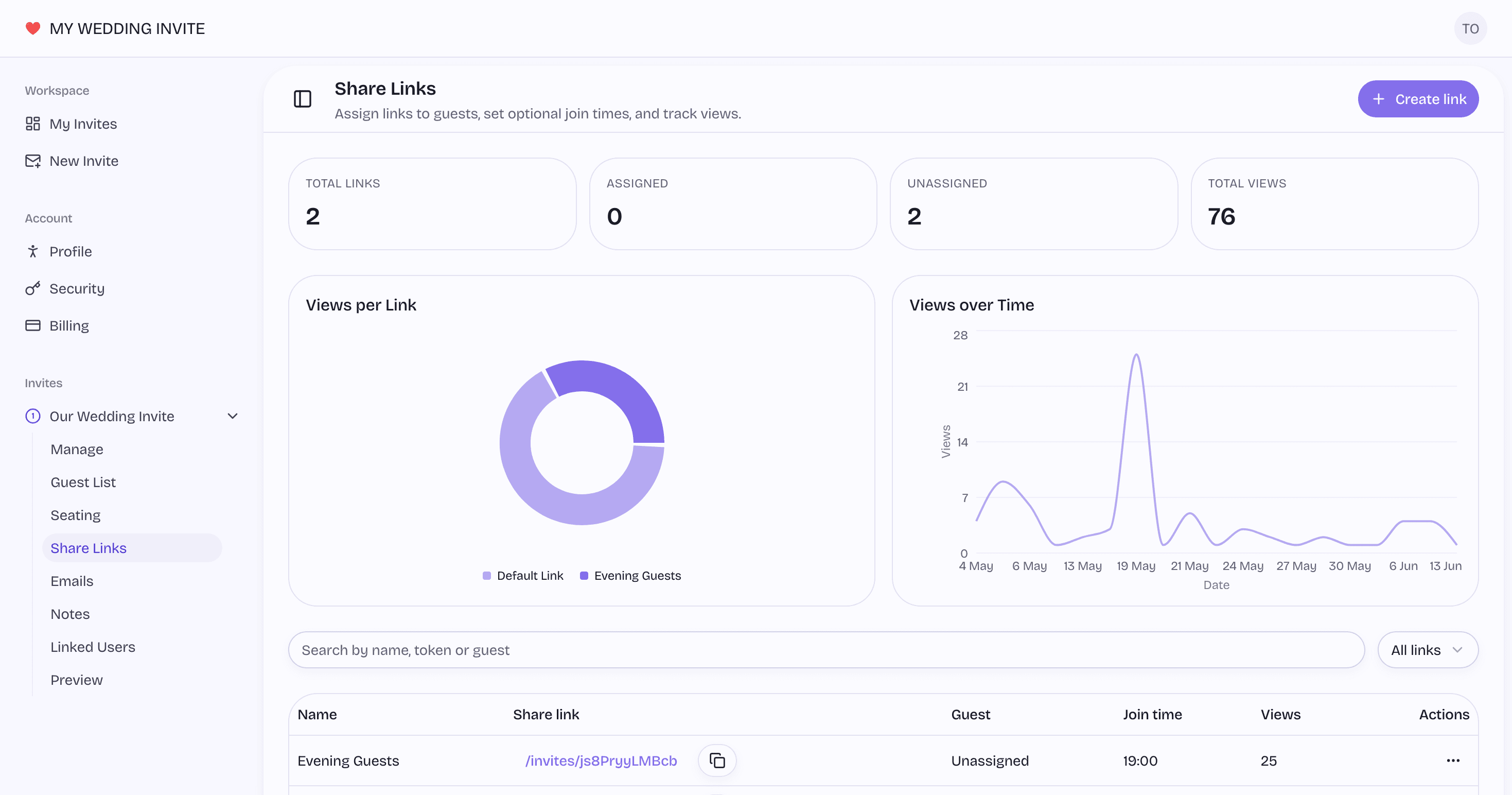
Smart links that track every open
Create multiple named links per invite — each with its own view counter, device and country analytics, and optional expiry.
- Multiple named links
- Per-group join times
- View tracking over time
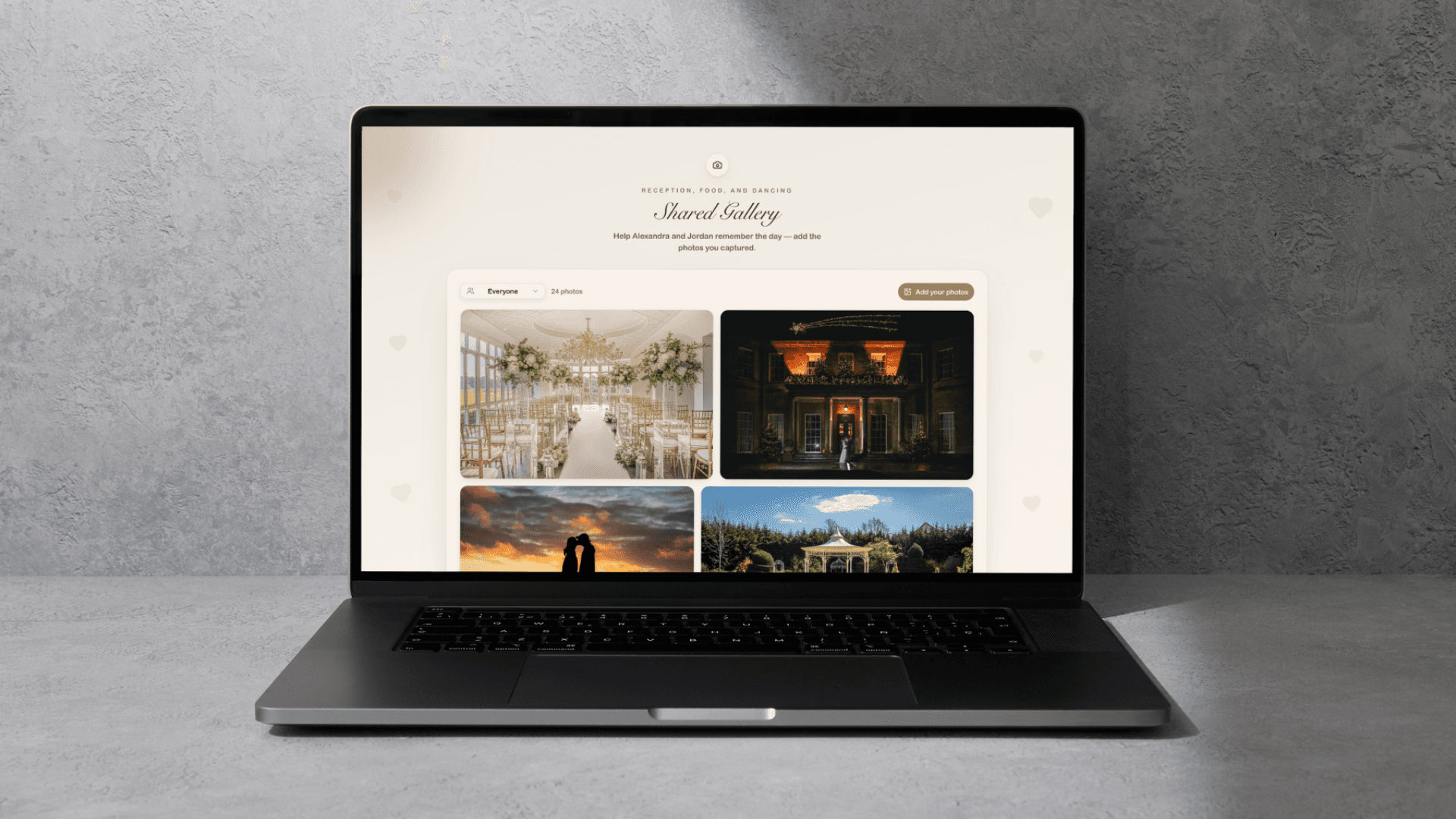
Showcase your memories with a personalized gallery
Create a beautiful photo gallery that follows your invite's theme and typography. Guests can upload their own photos directly using the link.
- Personalized gallery link
- Follows invite theme & typography
- Upload images directly using the link
Everything you need
From invites to seating plans — we've got you covered
Smart RSVPs
Guests RSVP with meal preferences, plus-ones, and more.
Guest Management
Track your guest list, dietary needs, and plus-ones.
Stunning Designs
17 unique templates with custom fonts, music, and colours.
Seating Planner
Drag-and-drop table layout with visual seat assignment.
Budget Tracker
Track every expense across 13 categories and 30 currencies.
Photo Gallery
Let guests share and relive your special moments.
Wish Book
A digital guestbook for heartfelt messages.
Engagement Analytics
See who's viewed your invite and when.
Simple pricing
Start for free, upgrade when you need more.
One price, no per-guest fees, no surprises. Cancel anytime — your invite stays live either way.
Free
Perfect for getting started
- 1 invite
- Up to 100 guests
- 2 share links
- 2 notes per invite
- 15 memory images within invite content
- 15 venue images within invite content
- Wish book
- Seating planner
- Budget tracker
- Basic analytics
- Collaborate with partner
- No background music
- No guest gallery
- Watermark included
Pro
For weddings that need more
- Up to 10 invites
- Unlimited guests
- Unlimited share links
- 20 notes per invite
- 30 memory images within invite content
- 30 venue images within invite content
- Wish book
- Seating planner
- Budget tracker
- Full engagement analytics
- Collaborate with partner
- Background music
- Guest photo gallery
- No watermark
Frequently asked questions
Everything you need to know

Ready to create your wedding invitations?
Join couples who trust us to make their invitations unforgettable.